About Private Diary With Lock
Secret Diary with password You can save All Memories in it without Loosing it, All your thoughts/ideas can be password protected ☛ Key Features: ❤ Simple to use ❤ Full offline functionality &#x
Secret Diary with password You can save All Memories in it without Loosing it,
All your thoughts/ideas can be password protected
☛ Key Features:
❤ Simple to use
❤ Full offline functionality
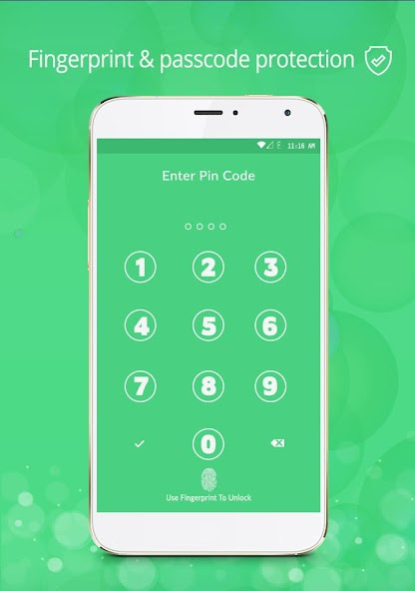
❤ Password secured
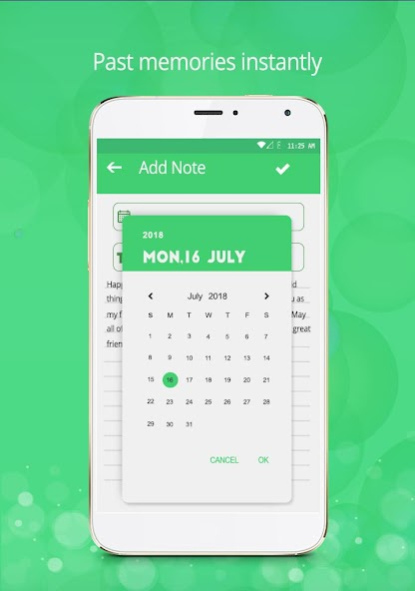
❤ Simply calendar navigation
❤ Your daily secrets are protected using a password
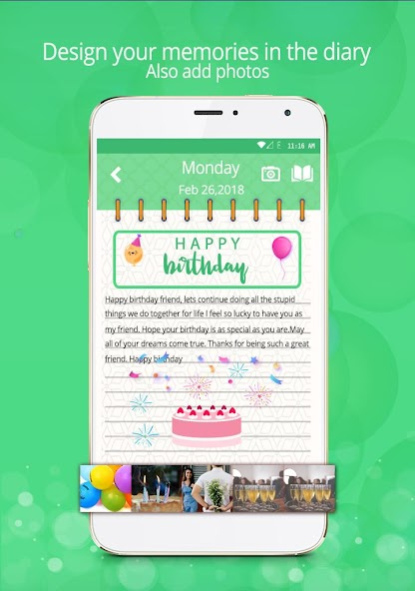
❤ Date-wise display of pages
❤ Backup & Restore
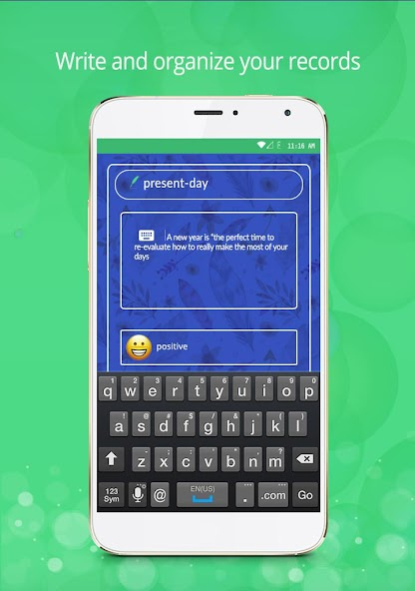
❤ Fonts
❤ Free hand drawing
❤ Create, modify and delete a diary entry in a very simple way
❤ Attach pictures or photos to a diary (taken via camera or selected from your gallery)
❤ Use your creativity and available tools to create amazing drawings
❤ Different Themes Available
☛ BACKUPS & RESTORE
❤ Restore your diaries from SD card
❤ Backup your diaries to SD card
☛ Emojis
❤ you can use emojis,
❤ NEW Wallpapers
❤ THE PAINTER now Available
Previous Versions
Here you can find the changelog of Private Diary With Lock since it was posted on our website on 2019-10-25 12:18:58.
The latest version is 1.3 and it was updated on 2024-04-22 14:12:22. See below the changes in each version.
Private Diary With Lock version 1.3
Updated At: 2019-10-18
Changes: * Bug fixed
* Optimised performance
Disclaimer
Official Google Play Link
We do not host Private Diary With Lock on our servers. We did not scan it for viruses, adware, spyware or other type of malware. This app is hosted by Google and passed their terms and conditions to be listed there. We recommend caution when installing it.
The Google Play link for Private Diary With Lock is provided to you by apps112.com without any warranties, representations or guarantees of any kind, so access it at your own risk.
If you have questions regarding this particular app contact the publisher directly. For questions about the functionalities of apps112.com contact us.